Personalisation and tools for Android
Make your phone look like nobody else's.
App Mania makes apps that change how your phone looks and add the tools you use every day: themes, widgets, icons, app lock and search.
12 apps · 1.3M+ downloads · 42,000+ ratings on Google Play
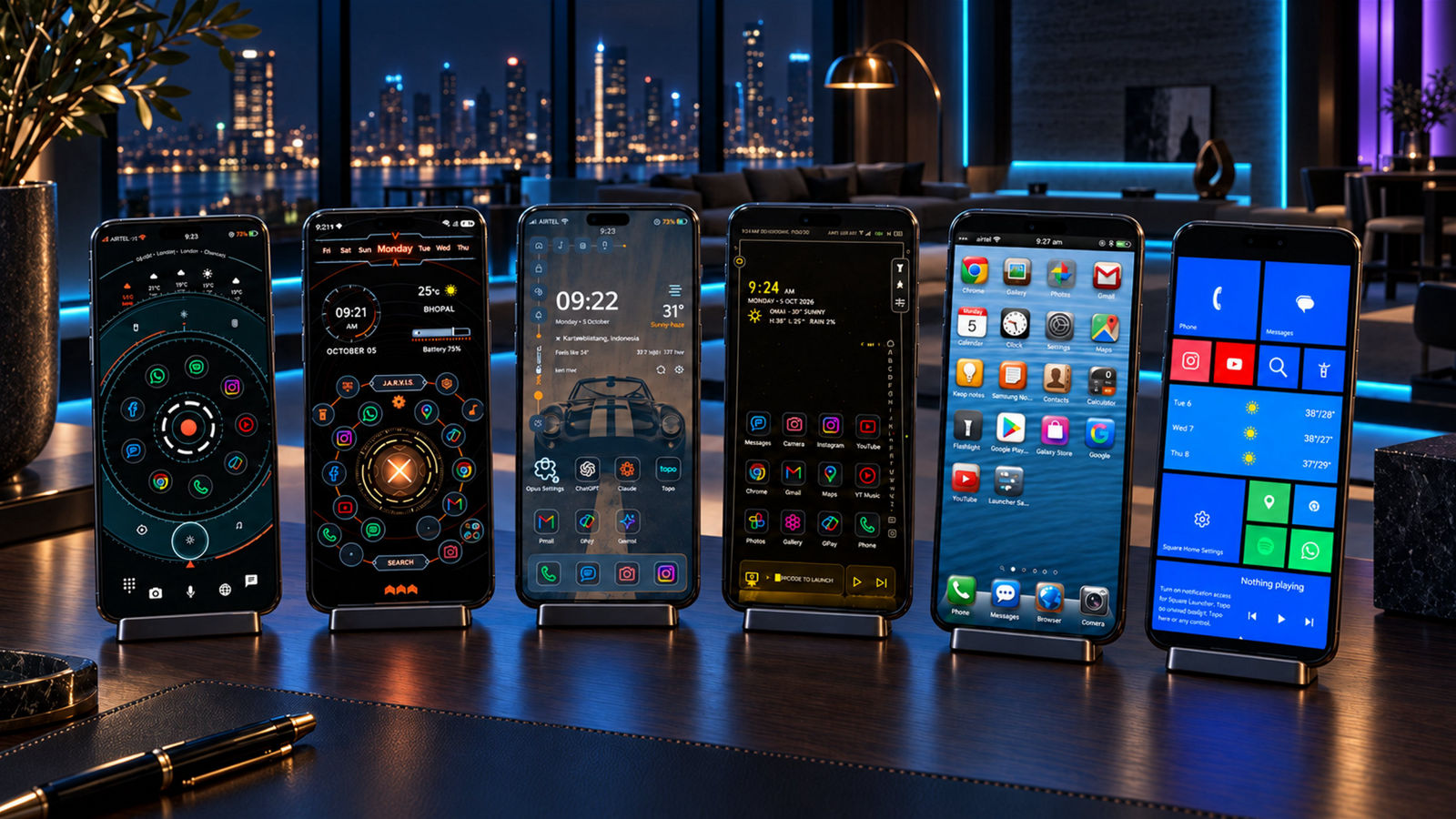
The apps
Home screens, icons and tools, each with its own character.
All 12 apps are on Google Play. Most launchers have a free edition and a paid one.
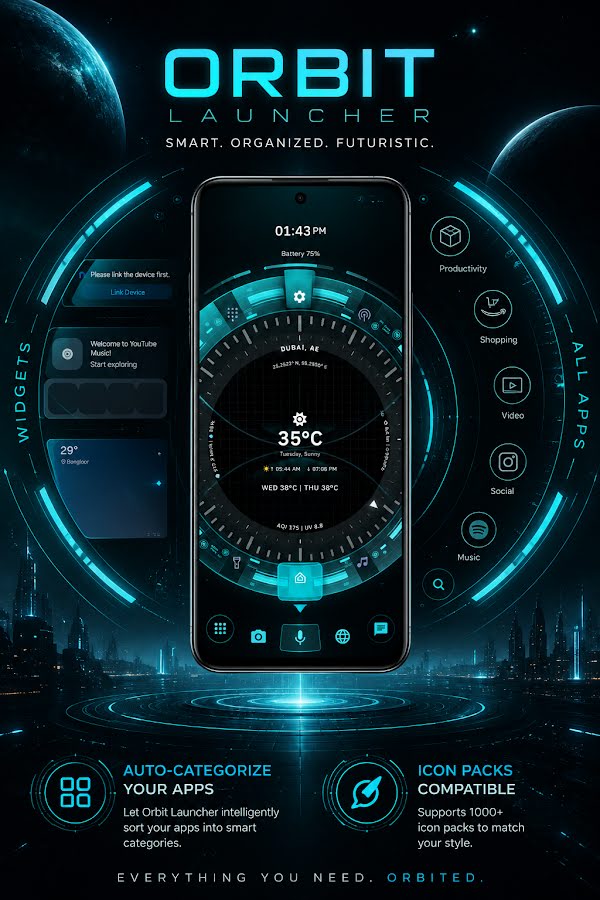
 Orbit Launcher
A 3D sci-fi HUD with an AI voice assistant.
Orbit Launcher
A 3D sci-fi HUD with an AI voice assistant.
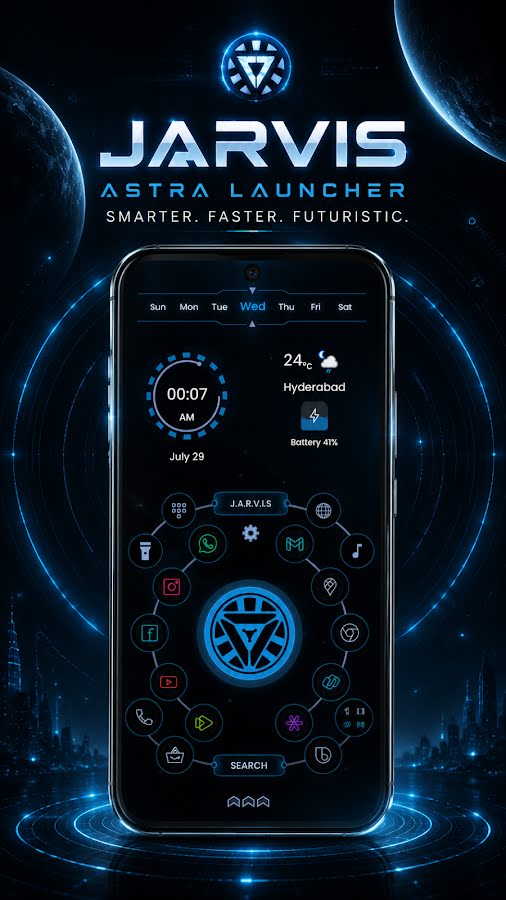
 Jarvis Launcher
A hacker-style command console for your home screen.
Jarvis Launcher
A hacker-style command console for your home screen.
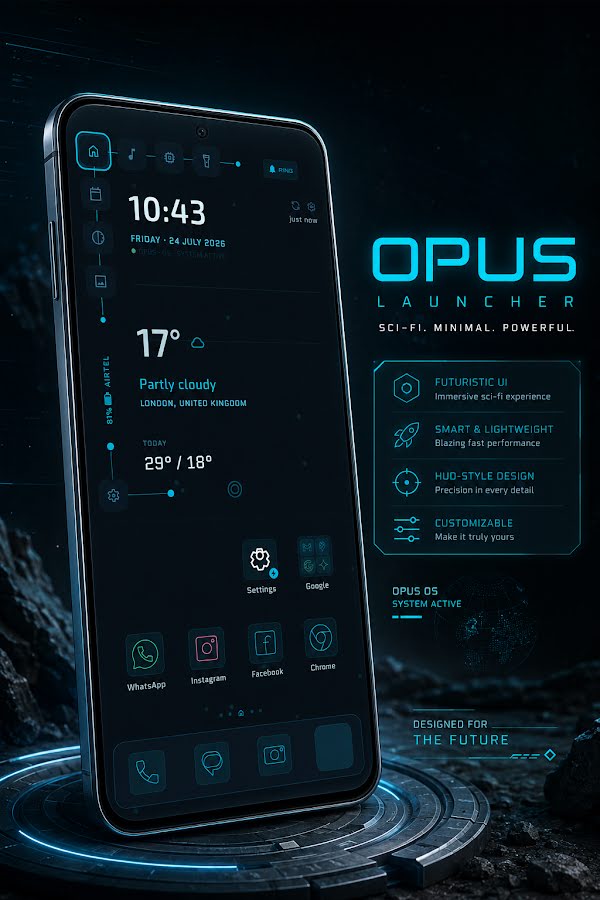
 Opus Launcher
A living sci-fi HUD with hand-built widgets.
Opus Launcher
A living sci-fi HUD with hand-built widgets.
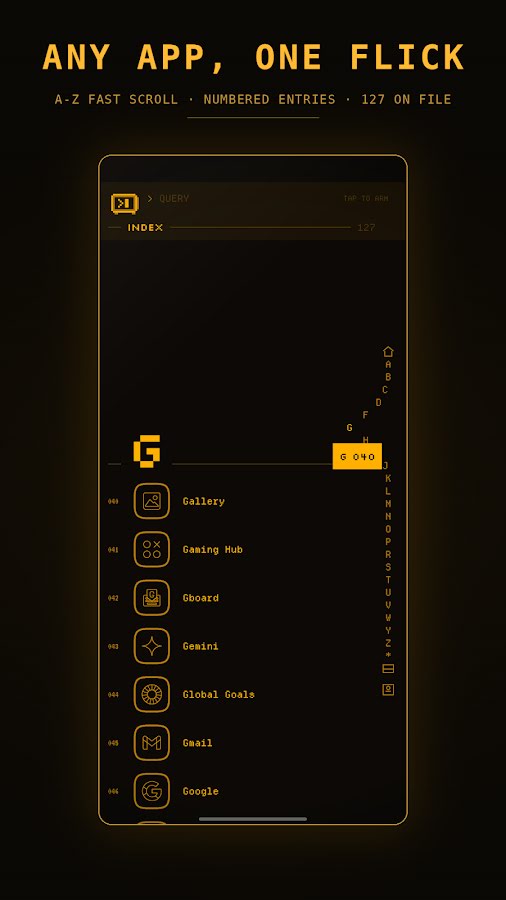
 Bureau Launcher
A retro terminal with a pixel clerk in the search bar.
Bureau Launcher
A retro terminal with a pixel clerk in the search bar.
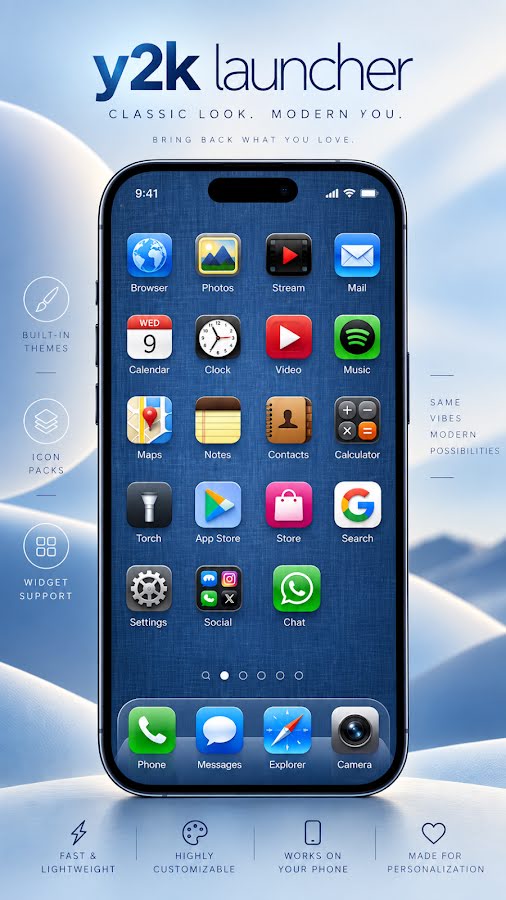
 Y2K Launcher
The glossy, glassy home screen of the late 2000s.
Y2K Launcher
The glossy, glassy home screen of the late 2000s.
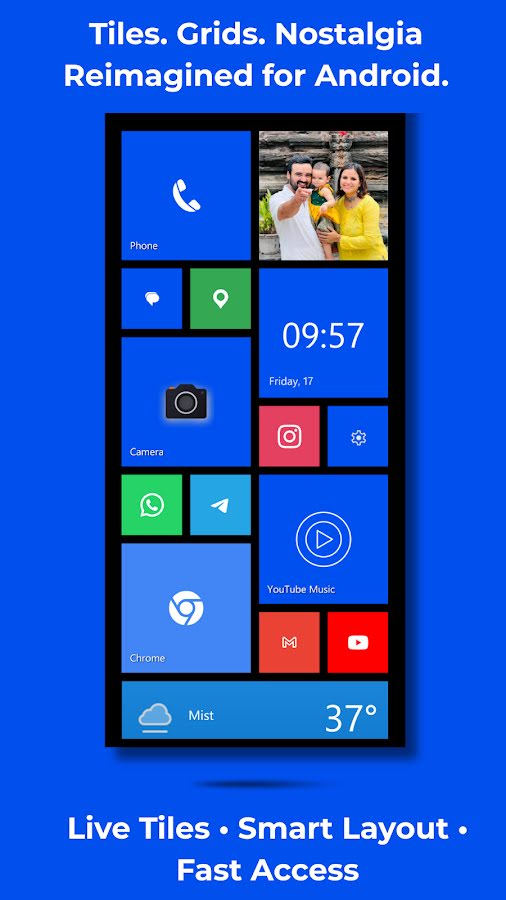
 Square Launcher
Live tiles, back on your home screen.
Square Launcher
Live tiles, back on your home screen.
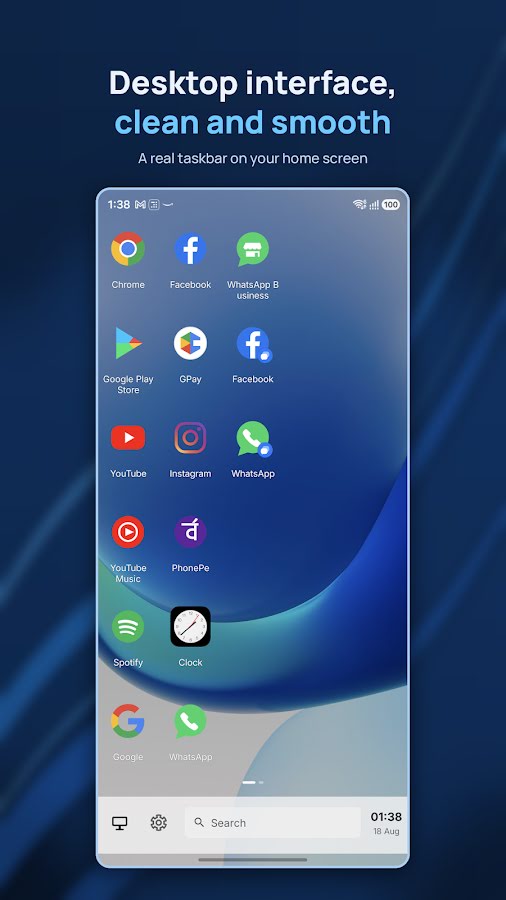
 Computer Launcher
A desktop PC layout on your phone.
Computer Launcher
A desktop PC layout on your phone.
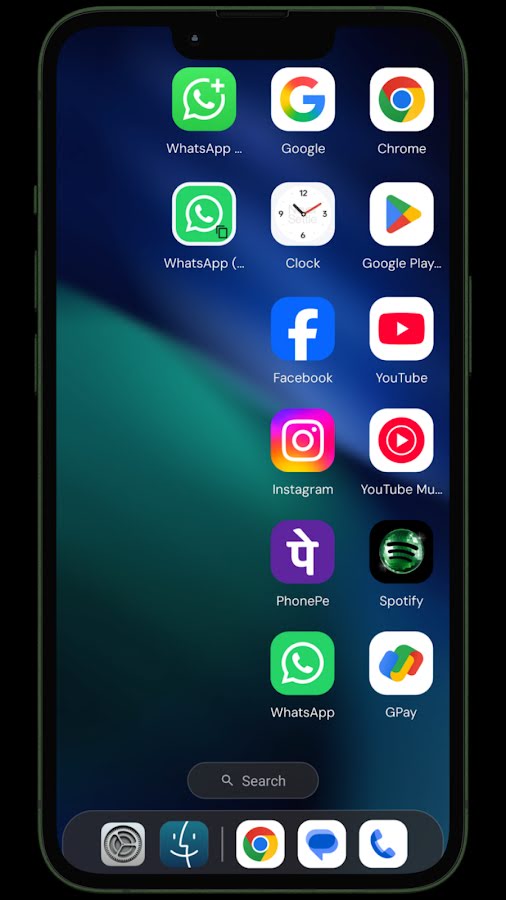
 OS Style Launcher 26
A clean desktop-computer look for your phone.
OS Style Launcher 26
A clean desktop-computer look for your phone.
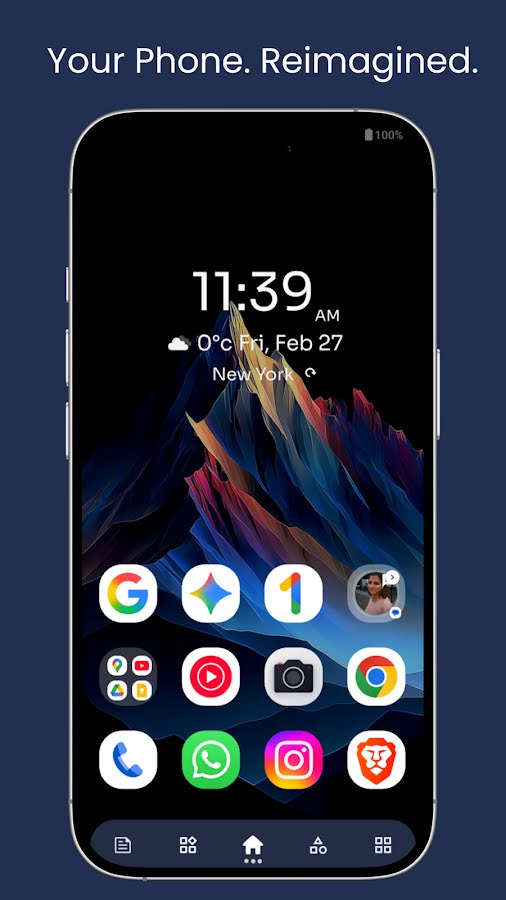
 Ace Smart Launcher
Six smart pages that keep your phone organised.
Ace Smart Launcher
Six smart pages that keep your phone organised.
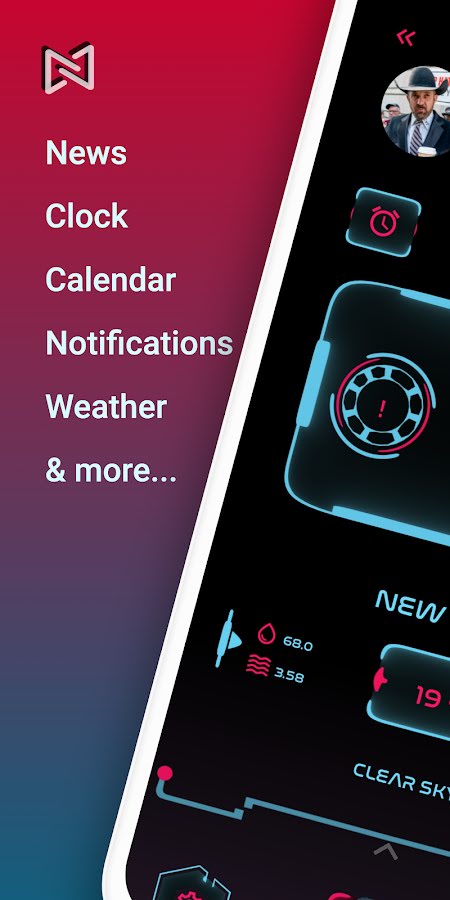
 Neo Launcher Hyperion
A sci-fi fantasy home screen with shortcuts in reach.
Neo Launcher Hyperion
A sci-fi fantasy home screen with shortcuts in reach.
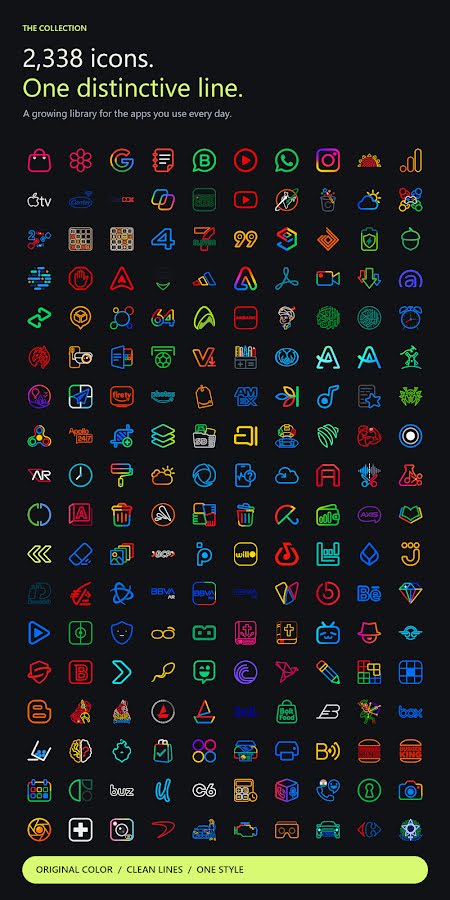
 ChromaLine
Colourful line icons for a calm, consistent home screen.
ChromaLine
Colourful line icons for a calm, consistent home screen.
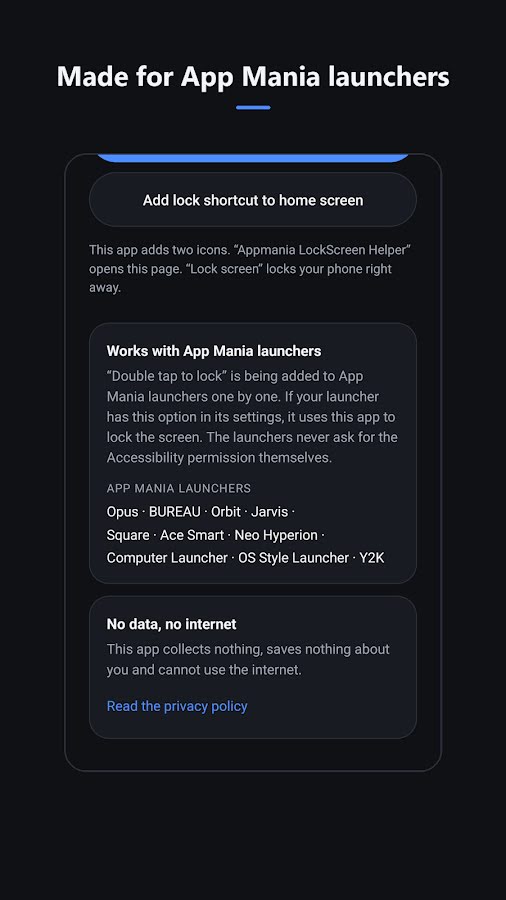
 LockScreen Helper
Lock your screen with one tap, and save your power button.
LockScreen Helper
Lock your screen with one tap, and save your power button.
What's inside
The look, and the tools behind it.
Each app changes how the phone looks and adds tools you would otherwise install separately. The icons show which apps have what.
Personalisation
Themes
Change colours, type and icons together.
Wallpapers and live backdrops
Static, live, parallax and video wallpapers.
Icon packs
Use the icon packs you already have.
Widgets
Clock, weather, music and any Android widget.
Fonts
Pick the typeface for the whole home screen.
Tools
App lock
PIN, fingerprint or passcode for private apps.
Hidden apps
Keep apps out of the grid without uninstalling.
Search
Find apps, contacts and web results in one place.
Voice
Open apps and give commands by speaking.
System monitor
Battery, memory and storage at a glance.
News and weather
Headlines and forecasts on the home screen.
Smart folders
Apps sorted into categories for you.
Getting started
Three steps to a new home screen.
Install from Google Play
Pick an app above and install the free edition.
Set it as your home app
Open it and choose it as the default home app when Android asks.
Make it yours
Choose a theme, wallpaper and icons, then arrange your apps and widgets.
Changed your mind? Switch back at any time in Settings → Apps → Default apps → Home app. Nothing on your phone is removed.
Questions, bugs or an icon request?
App Mania Software Development publishes every app on this site. Email us with your phone model and Android version and we will help. The support page covers the common questions.